Description
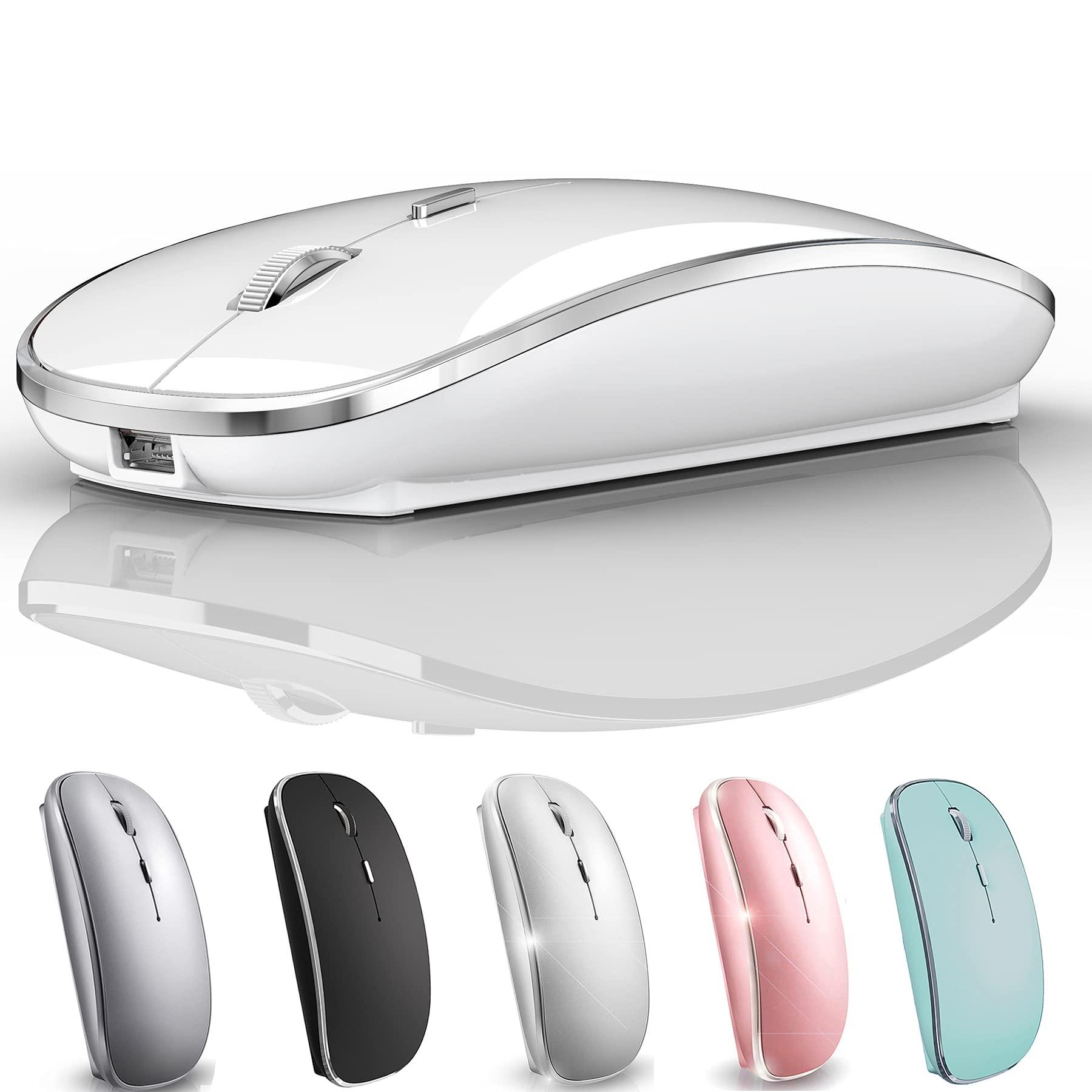
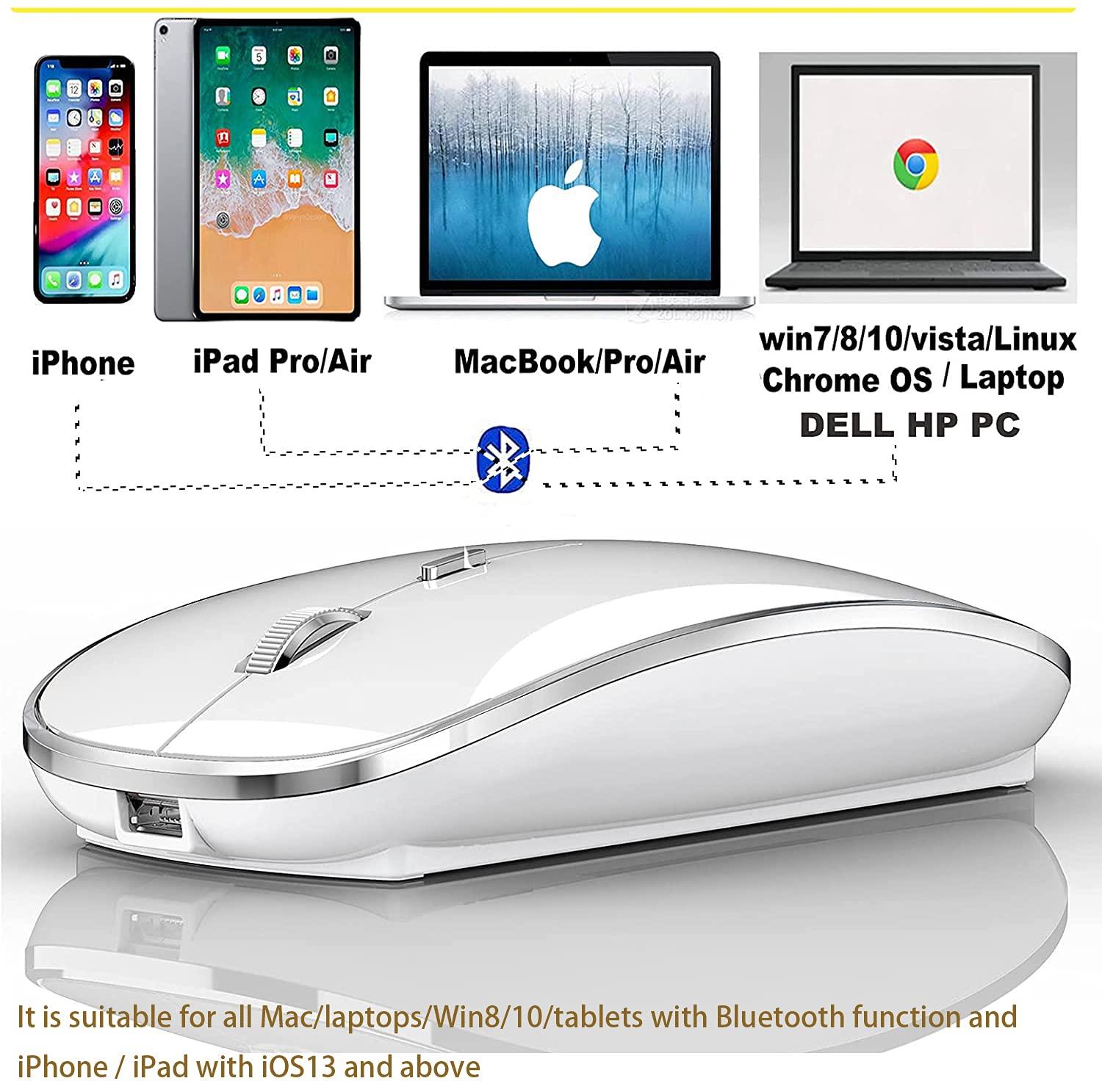
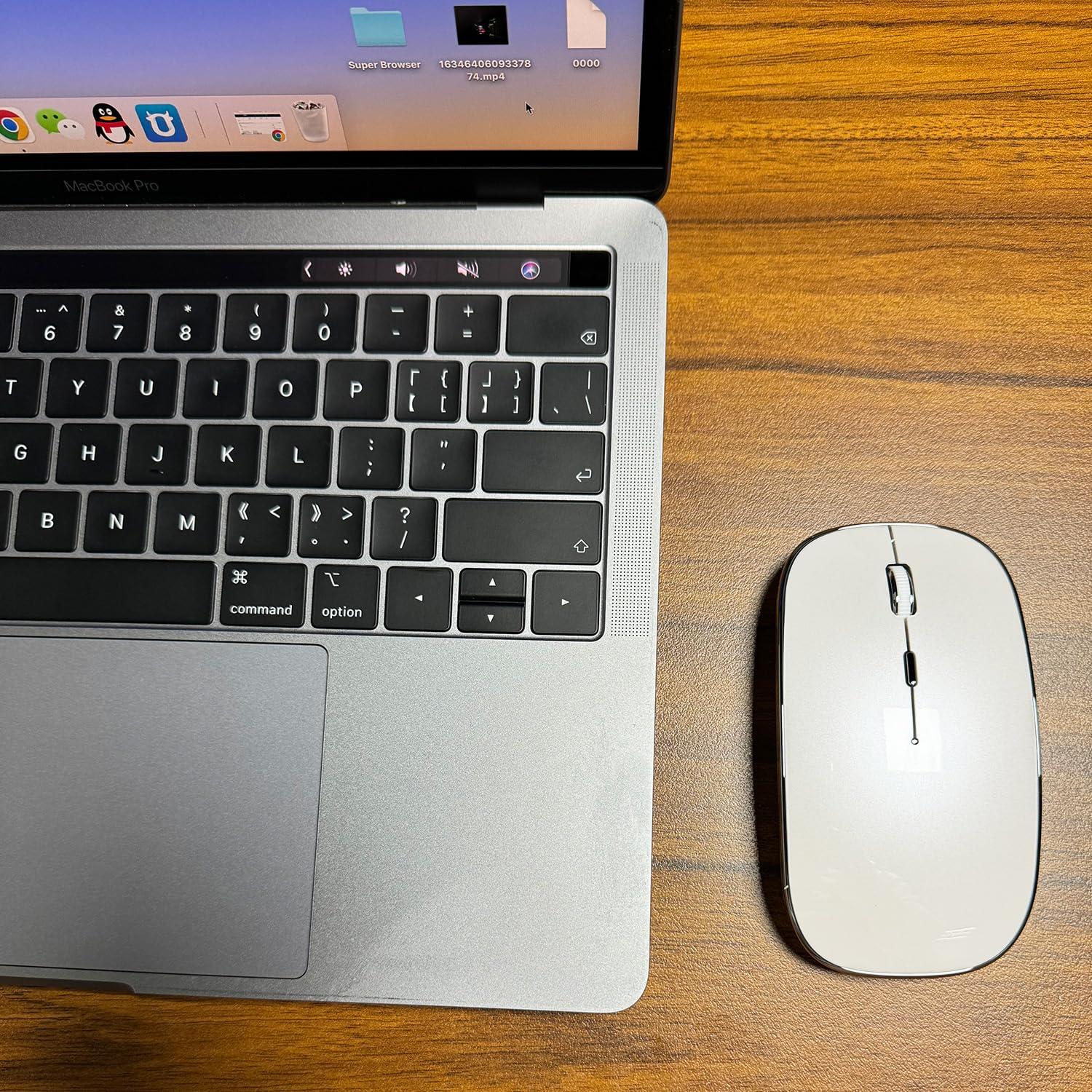
- bluetooth mouse Works on all laptops and iOS13 and above ipad/ pro/air / Phone / Mac/ MacBook / pro /Air Windows /Chromebook/HP/ Dell/ Laptop/PCNot for desktop computers
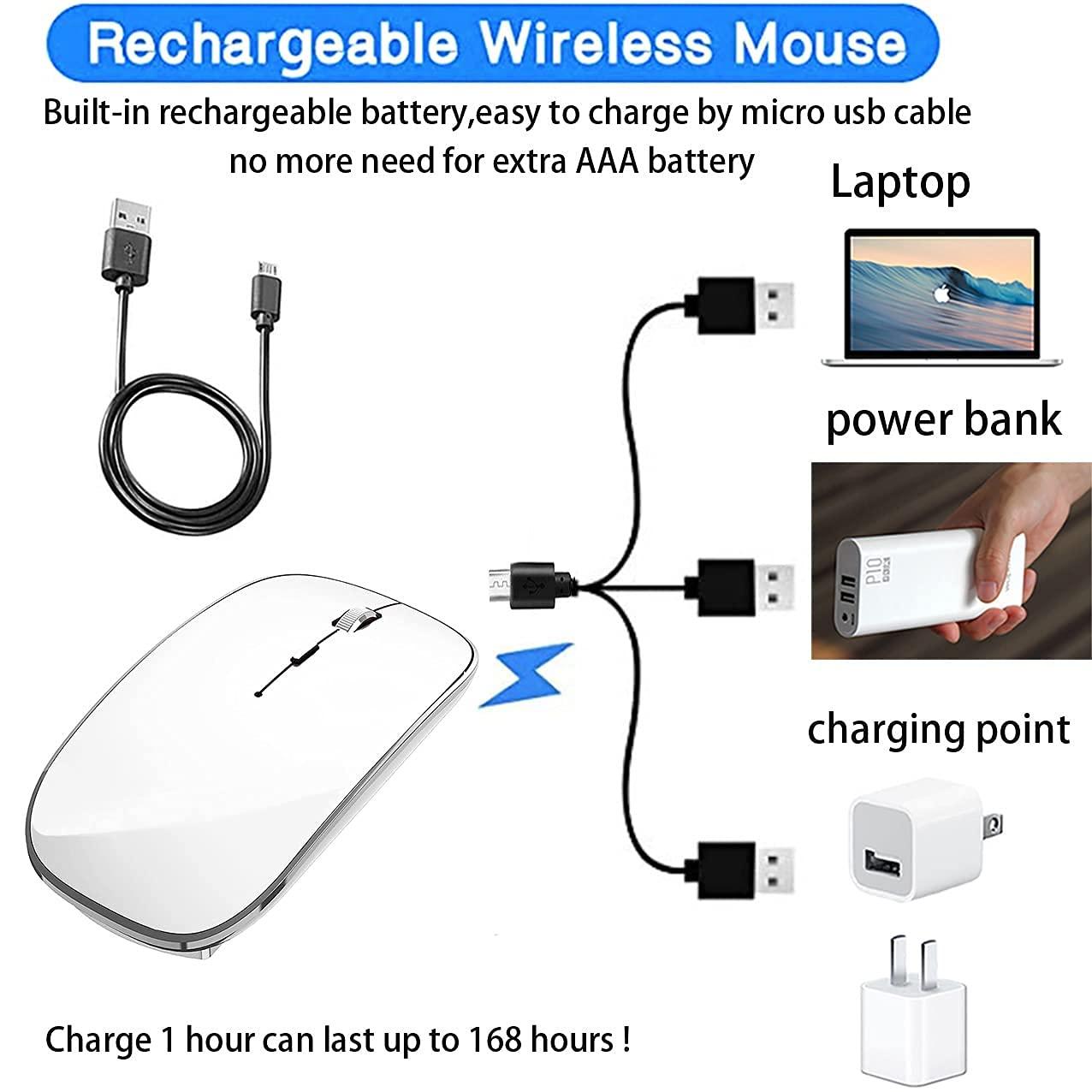
- [Rechargeable Wireless Mouse] Built-in durable 450mAh lithium rechargeable battery can last up to 500 hours after fully charged, and standby time is super long with auto sleep and wake mode. Easily recharged through the included USB cable, no need to change the battery
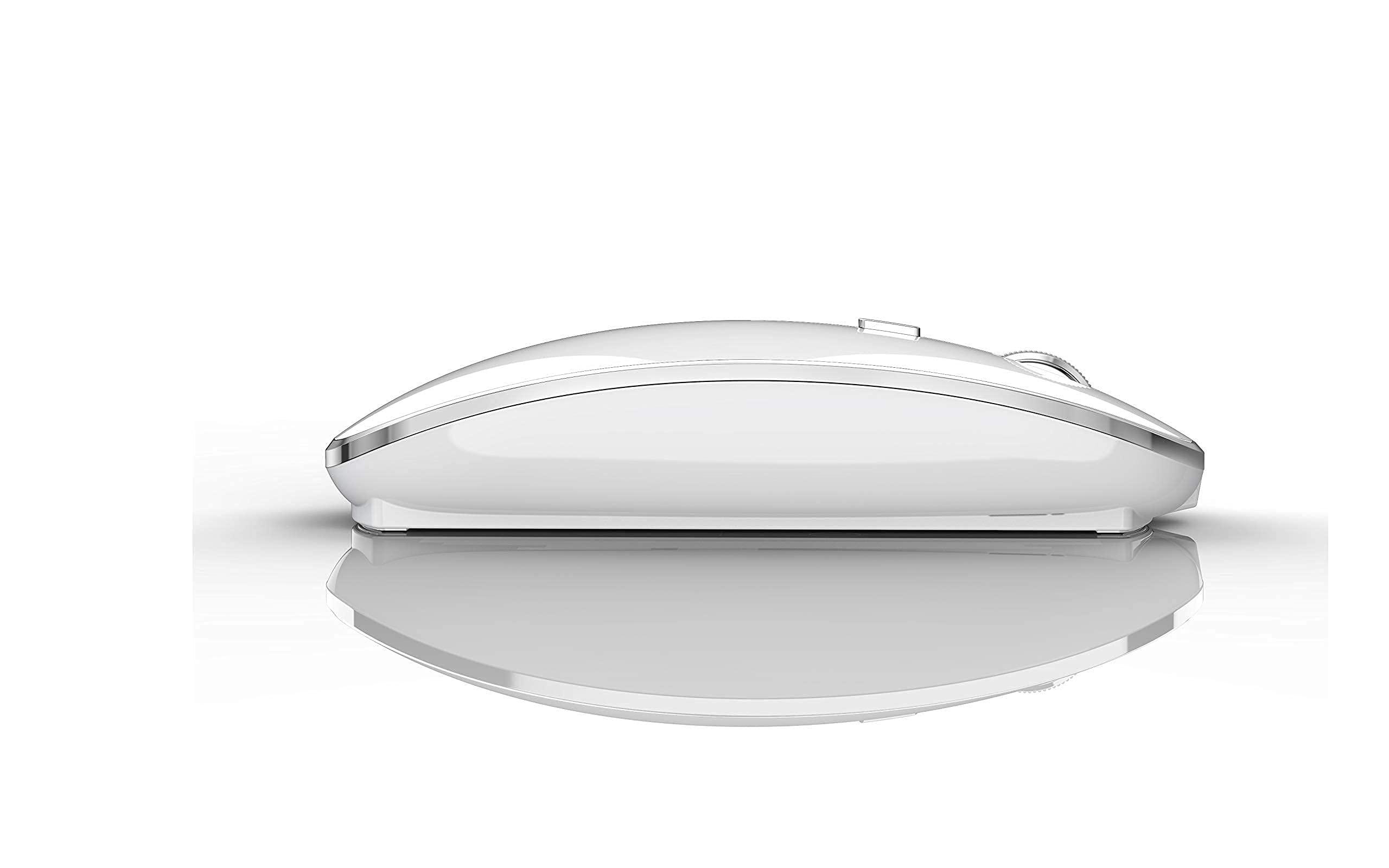
- Skin-Friendly for Comfort & Mute ClickSilent click Mouse with classic design with anti-fingerprint finish offers your hand maximum support and comfort. The sturdy anti-slip rubber scroll wheel ensures that your hand will not slip when scrolling.Quiet click sound when pressing buttons, which let you not worry about the mouse sound can disturbing others, especially at home or office, when other members having rest, you can focused on your work without worry.
- Use the DPI mouse button on the screen: you are free to adjust the mouse sensitivity to match your activity. Provide 3 DPI levels (800-1200-1600). The higher the DPI, the faster the cursor moves on the screen
- With power saving mode: when the mouse is not in use, you can fall asleep after 10 minutes, no operation, power saving, long-term use. You can wake it up by clicking any button.
MacBook laptop Bluetooth connection steps
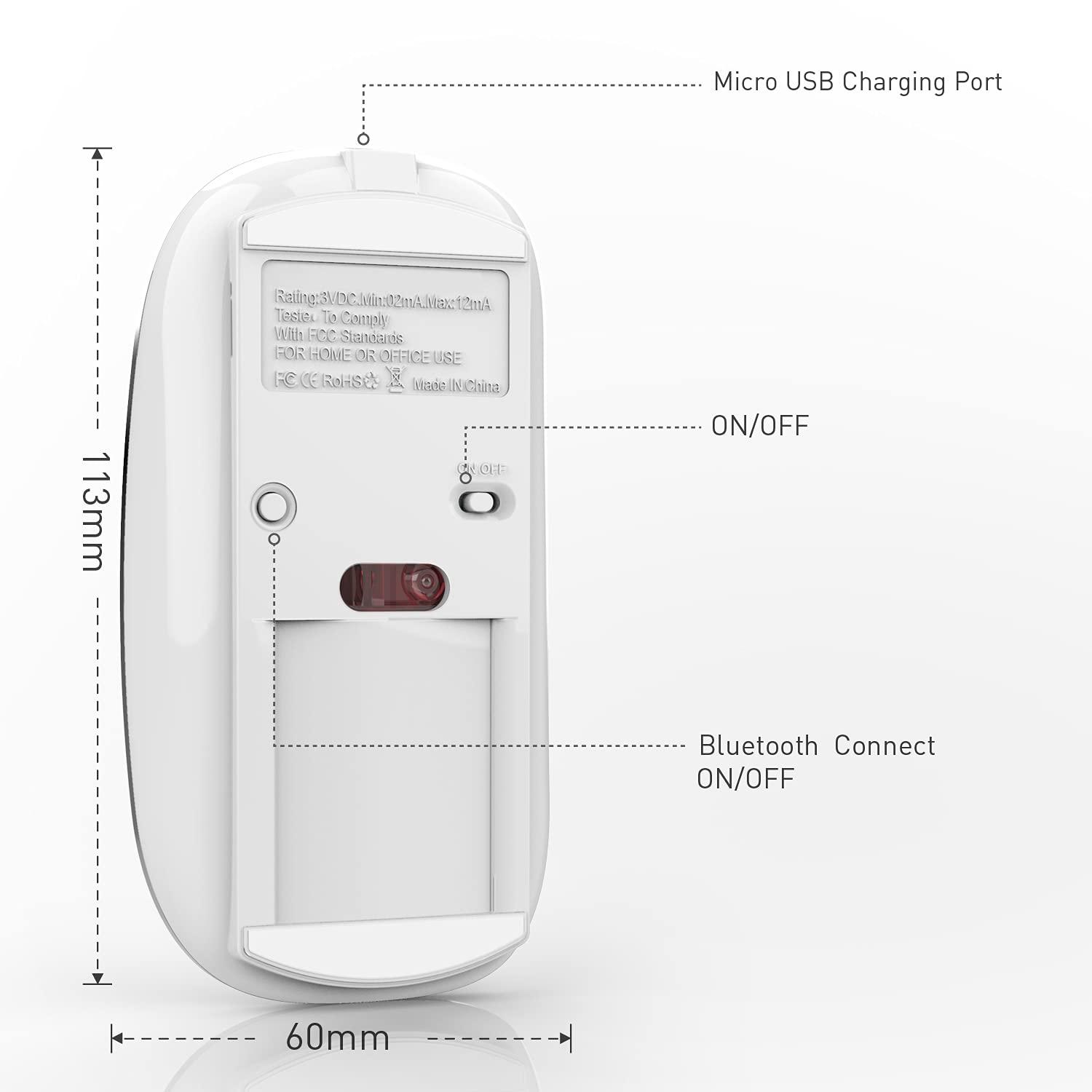
Mac Setting > Bluetooth > (Turn on the mouse switch, hold down the button at the bottom of the mouse and hold for 3 seconds ) > then your computer displays the search to Bluetooth 5.1 mouse > connect This method does not apply to the iPad. Read on for the iPad connection method
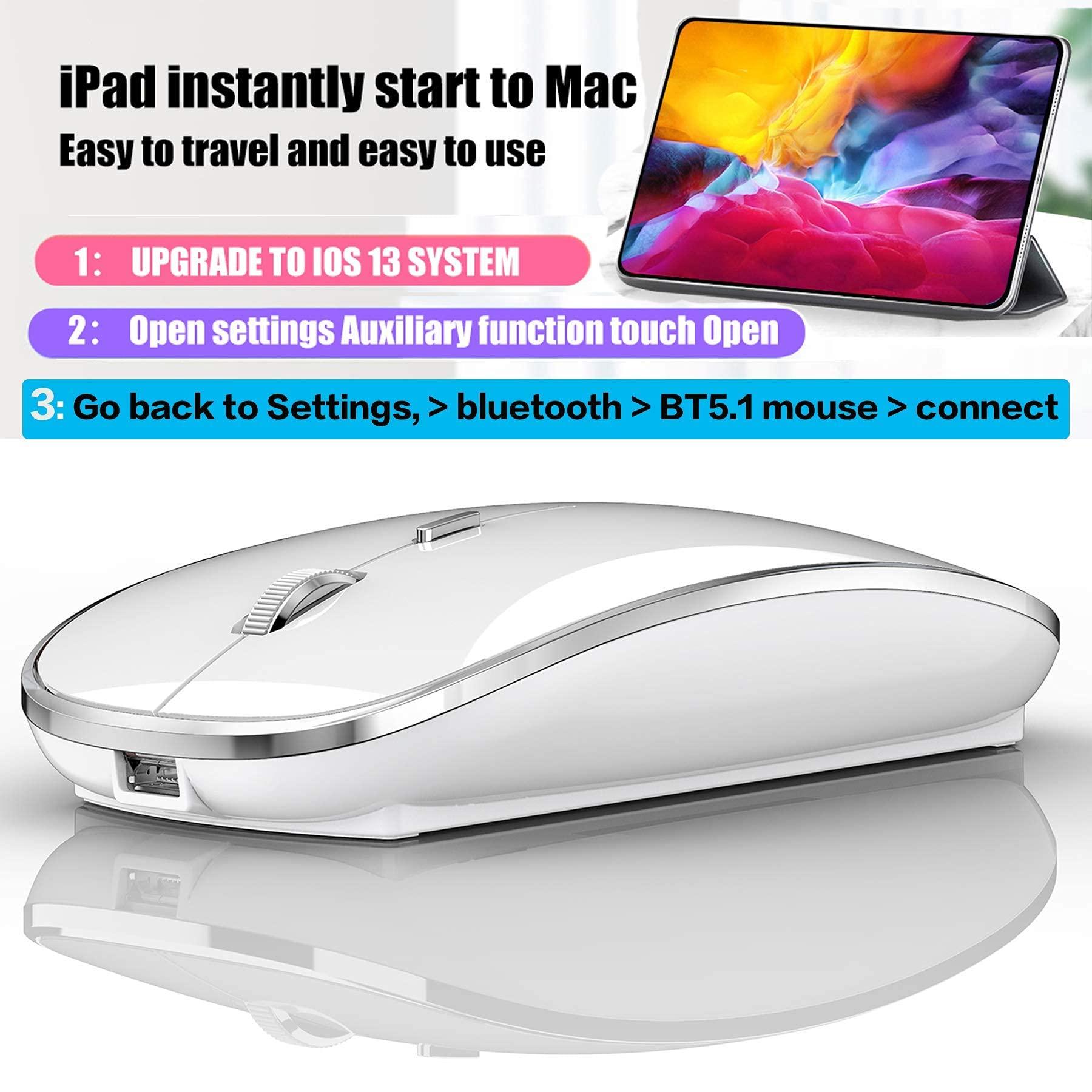
OS13/iOS14 iPad/ iPad pro/ iPad Air/ mini /iphone connection method
Open iPad settings > Accessibility > Touch > AssistiveTouch > Devices > (Open the mouse switch and long press the black button at the bottom of the mouse for 3-5 seconds.) > Bluetooth Devices > Bluetooth 5.1 Mouse > PIN: 0000 >Pair
Windows 7/8/10 / XP/ ChromeOS / series notebook computer instructions:
computer Settings > open add bluetooth bluetooth bluetooth devices > open open bluetooth when computer display is looking for a nearby bluetooth devices > " Turn on the mouse switch,Hold down the small button at the bottom of the mouse for 3 seconds> and then your computer display the search "bluetooth 5.1 mouse" > connect
How to Charge Wireless Mouse?
1This is a rechargeable mouse. It doesn't require you to buy any other batteries. It already has a built-in lithium battery. It can be charged like a mobile phone. There is a USB charging line in the box. please please keep the mouse power switch in "ON" position when charging .
2When the pointer of your mouse does not move or cannot be used, or suddenly disconnects continuously in use, you need to charge it for about 3 hours. Please use the USB port of your computer to charge it, or use an adapter with an output of no more than 5v to charge it
3 If you do not use the mouse for eight minutes, it will go to sleeping mode, you can press the any button to weak it up.
Packaging list: instruction *1, rechargeable Bluetooth mouse *1, USB Charging line *1